 naymo
naymoHow to see who's visiting your site
See how many people visit, which pages they view, and where they came from — privacy-friendly and simple, usually with no cookie banner needed.
- Site and shop owners who want to know what's working
- Creators tracking which posts bring people in
- Anyone who found Google Analytics overwhelming
Privacy-friendly · no cookie banner
How to use it
-
Add your site to analytics
Open the Analytics page and add the website you want to measure. This will tell you how many people visit and what they look at — without the creepy tracking or the cookie pop-up.
-
Drop in the little snippet
naymo gives you a short snippet (a small piece of code it generates for you) to add to your site once. If your site is a naymo page, it's already built in — nothing to paste at all.
-
Watch visitors arrive
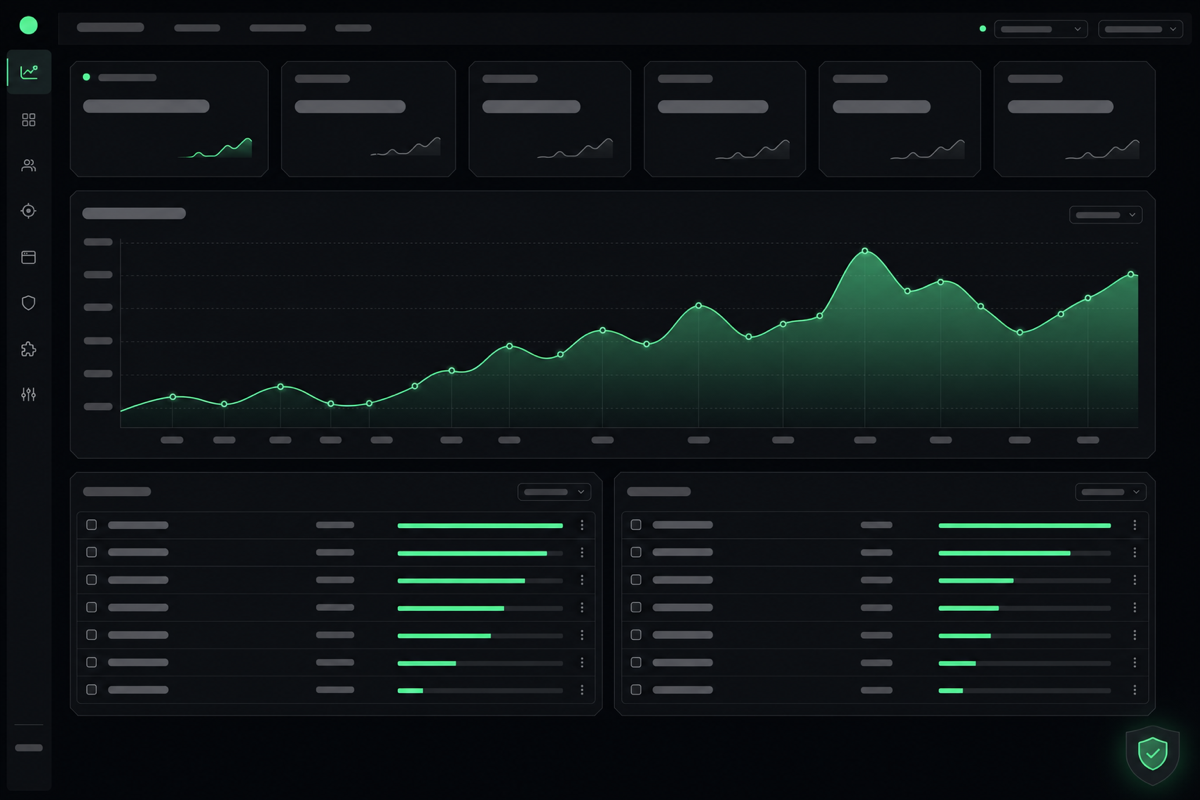
Once it's in place, your dashboard starts filling up: how many people visited, which pages they viewed, and where they came from — a social post, a search, a newsletter.
-
See what's working
Spot your most popular pages and your best traffic sources at a glance. This tells you which posts and channels are actually bringing people in, so you can do more of what works.
-
Check in regularly
Pop back whenever you publish something or run a promotion to see how it landed. The numbers are simple and clear — no analytics degree required.
Finding what works
Get more out of it
No cookie banner needed
Because the analytics are privacy-friendly and don't track individuals, you typically don't need an annoying cookie pop-up — a nicer experience for your visitors.
Watch your traffic sources
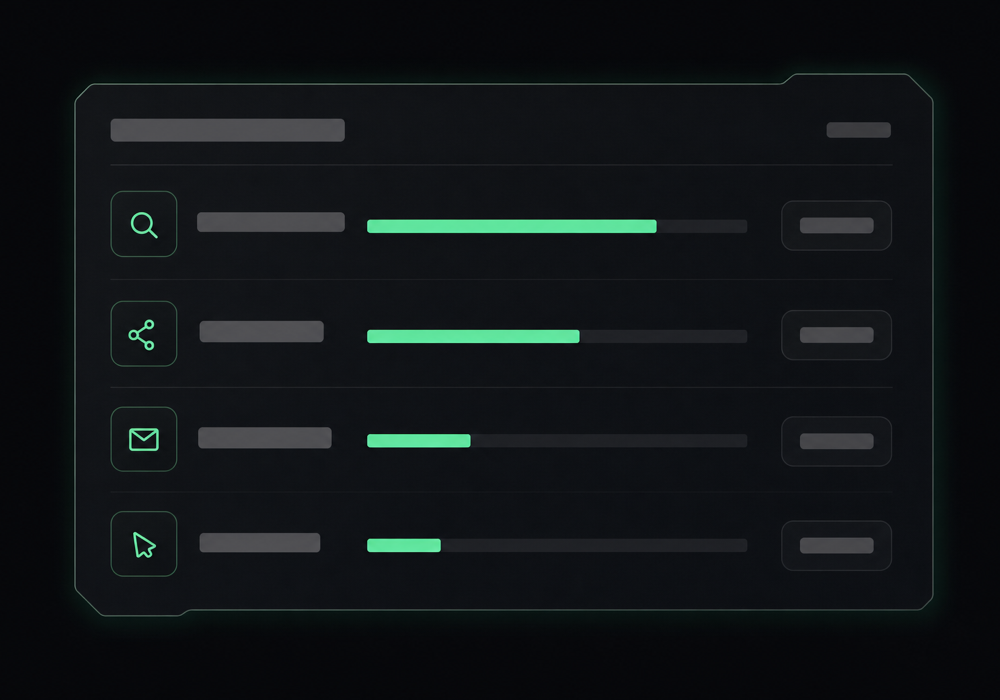
Knowing whether visitors come from search, social, or email tells you where to spend your effort. Double down on the channel that's actually delivering.
Compare before and after
Note your numbers before a big post or change, then check again after. That simple comparison shows what genuinely moved the needle.
Simple beats overwhelming
You don't need dozens of metrics. Visits, top pages, and where they came from answer most questions — that's exactly what naymo puts front and centre.
Common questions
What does web analytics tell me?
How many people visit your site, which pages they look at, and where they came from (search, social, a link, and so on). It's the simple feedback that tells you what's working and what isn't — without spying on individual people.
Do I need a cookie banner for this?
Typically no. naymo's analytics are privacy-friendly and don't track individuals or use the kind of cookies that require a consent pop-up — so you get your numbers without nagging your visitors.
Is it hard to set up?
Not at all. You add one short snippet to your site once, or — if your site is already a naymo page — it's built in and there's nothing to add. Then the dashboard simply fills up as people visit.
How is this different from Google Analytics?
It's designed to be simpler and more private: clear numbers you can actually understand, no overwhelming dashboards, and no individual tracking — which usually means no cookie banner. Great if Google Analytics has always felt like too much.
Related guides
More help that pairs with this one — and the page where you can try it yourself.
Want the full feature rundown? Read about About Web Analytics, browse the whole Help Center, or compare plans on the pricing page.
Try it yourself
See how many people visit, which pages they view, and where they came from — privacy-friendly and simple, usually with no cookie banner needed.