 naymo
naymoHow to know the instant your site goes down
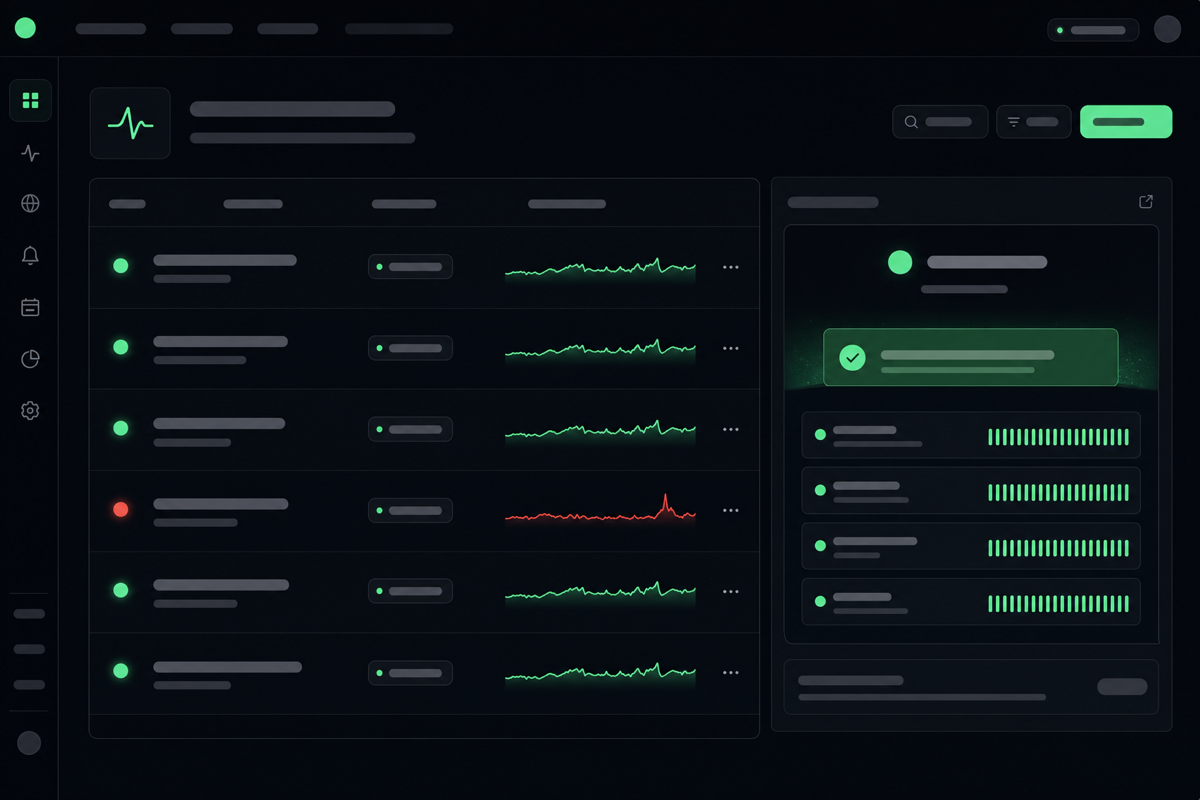
Have naymo check your site around the clock and alert you the moment it goes down — so you fix it before your visitors are the ones telling you.
- Anyone running a website, shop, or booking page
- Small businesses where downtime means lost sales
- People who'd rather not refresh their own site to check it's up
Round-the-clock checks · instant alerts
How to use it
-
Open Uptime Monitoring
Go to the Monitors page. “Uptime” just means your site being up and reachable. A monitor is a little robot that checks your site for you, around the clock, so you don't have to.
-
Add the address to watch
Enter the web address you want kept an eye on — your home page, your shop, your booking page. naymo will visit it regularly to make sure it's loading properly for everyone.
-
Choose how to be alerted
Tell naymo how to reach you if something's wrong — by email, for instance. The whole point is that you hear about an outage from naymo, not from a frustrated customer.
-
Let it watch around the clock
From now on, naymo checks your site automatically, day and night. If it can't reach your site, it alerts you straight away so you can sort it out before it costs you visitors or sales.
-
Review the history
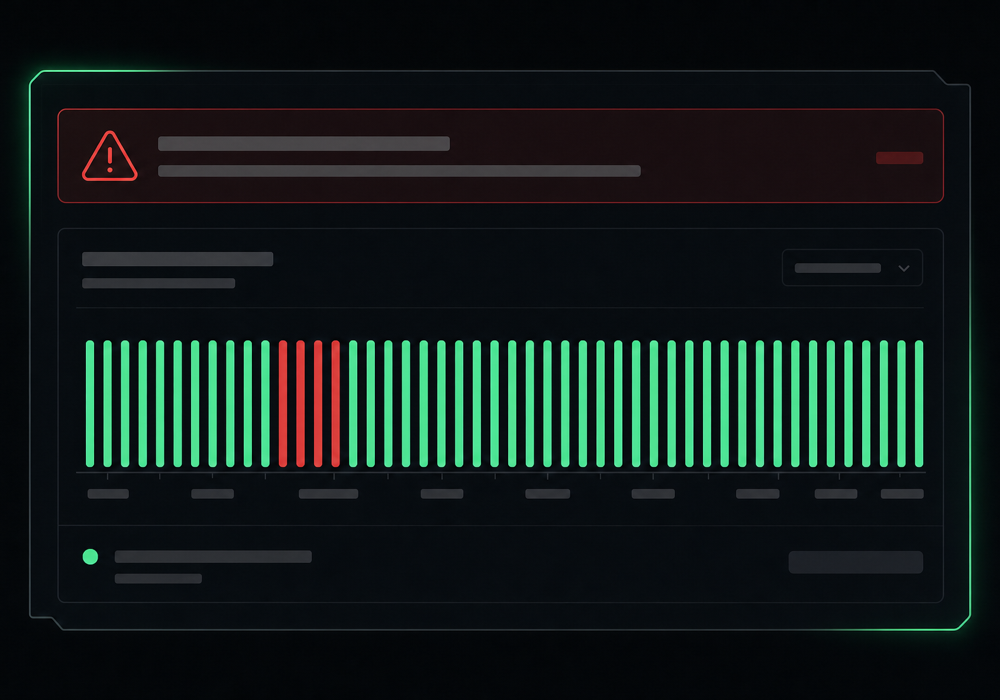
Your dashboard keeps a record of any downtime, so you can see how reliable your site has been and spot patterns — like a host that keeps wobbling at busy times.
Alerts and downtime history
Get more out of it
Monitor what earns you money
Beyond your home page, watch the pages where customers buy or book. Those are the ones where an outage costs you directly.
An alert is only useful if you see it
Send alerts somewhere you actually check quickly. The faster you know, the shorter the outage your customers experience.
Downtime history reveals bad hosts
If your monitor keeps catching outages, the record is your evidence. Repeated downtime is a strong sign it's time to talk to your host — or switch.
Peace of mind, mostly silent
A good monitor is quiet most of the time — that's the goal. You're paying for the one day it saves you, when it catches a problem before your customers do.
Common questions
What is uptime monitoring?
It's an automatic, round-the-clock check that your website is up and loading properly. If your site goes down, naymo alerts you immediately — so you find out and fix it before your visitors are the ones telling you.
How will I be told if my site goes down?
naymo sends you an alert (by email, for example) the moment it can't reach your site. You choose where alerts go, so they land somewhere you'll notice quickly and can act fast.
What can I do when I get a downtime alert?
An alert tells you there's a problem so you can investigate — check with your hosting provider, look at a recent change, or escalate. The value is the early warning; a short outage you fix fast is far better than a long one you discover late.
Why does downtime matter so much?
Every minute your site is down, visitors can't read, buy, or book — and some won't come back. Worse, you often don't notice until someone complains. Monitoring closes that gap so you're always the first to know.
Related guides
More help that pairs with this one — and the page where you can try it yourself.
Want the full feature rundown? Read about About uptime monitoring, browse the whole Help Center, or compare plans on the pricing page.
Try it yourself
Have naymo check your site around the clock and alert you the moment it goes down — so you fix it before your visitors are the ones telling you.