 naymo
naymoHow to get email at your own domain
Get you@yourdomain.com delivered straight to the inbox you already use — free, on any domain, by adding a couple of mail settings (MX records).
- Anyone who wants a professional address on their own domain
- Small businesses and freelancers using a personal Gmail today
- People who'd rather not manage a whole new mailbox
Free · works on any domain
How to use it
-
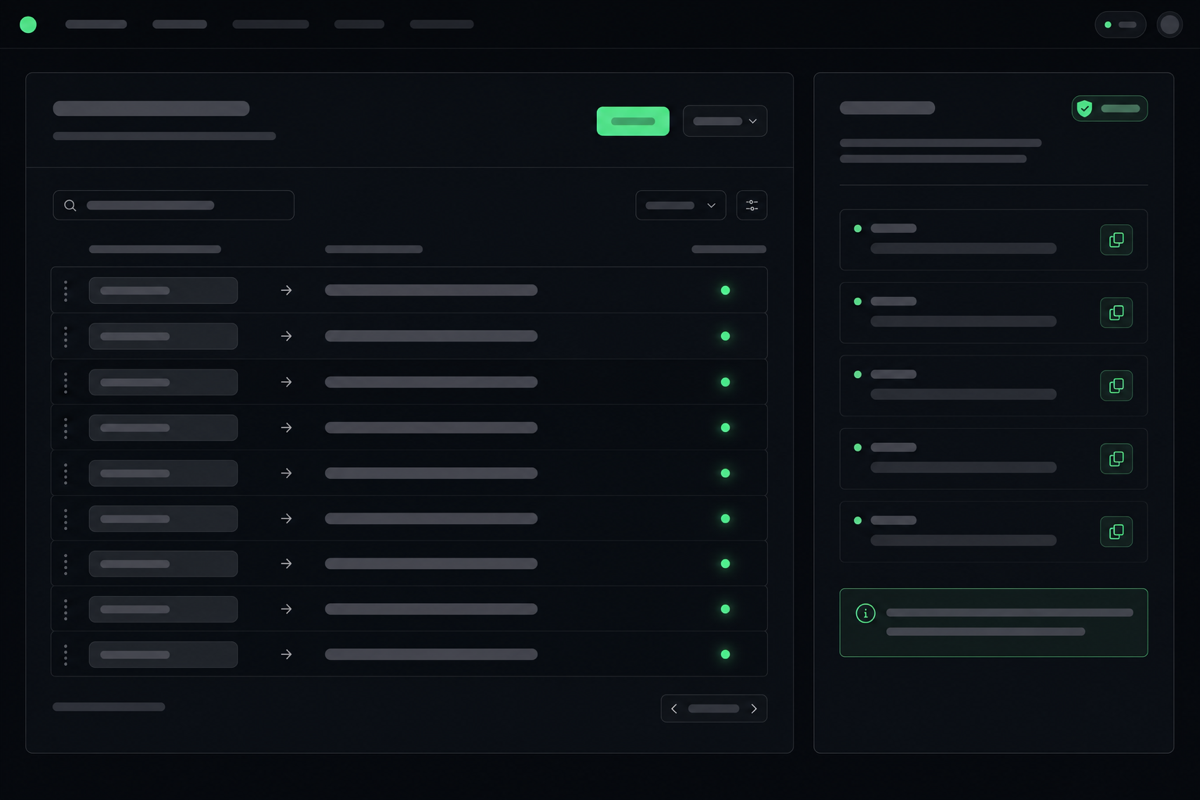
Pick the address you want
Open the Email page and choose the address you'd like, such as hello@yourdomain.com or you@yourdomain.com. This is the professional address people will write to — and it'll quietly land in the inbox you already use.
-
Say where it should go
Tell naymo which existing inbox to forward to — your normal Gmail, Outlook, or whatever you check daily. Forwarding just means mail sent to your fancy address is delivered straight to that inbox.
-
Add the mail settings at your registrar
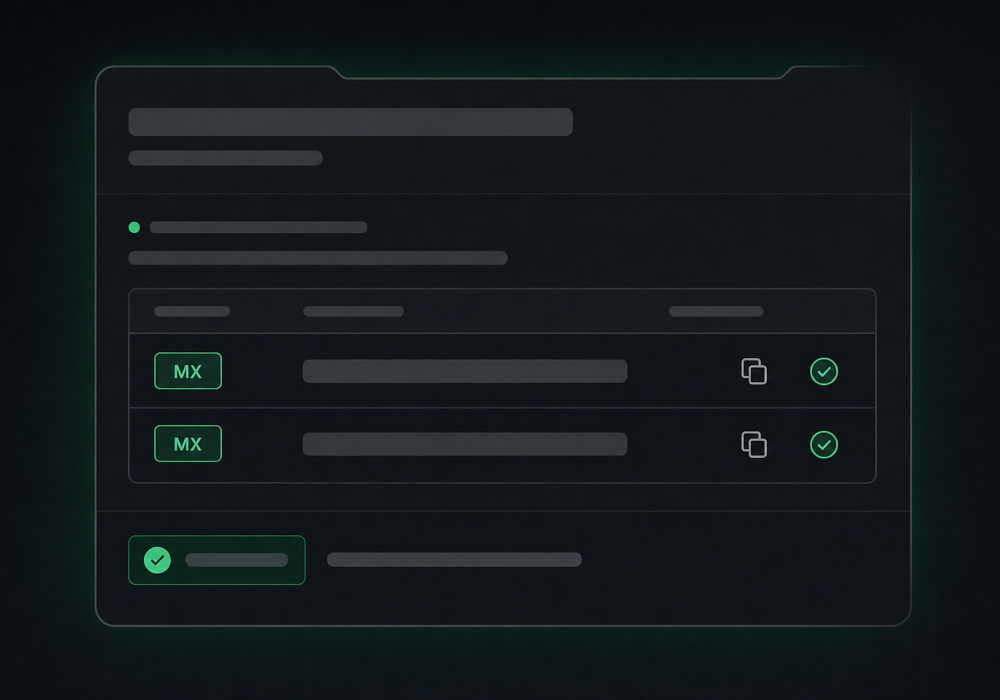
naymo gives you a couple of MX settings to add. MX records are simply the DNS settings that tell the internet where your domain's email should go — you copy them into your registrar's DNS, exactly as shown, and save.
-
Wait a few minutes, then test
DNS settings take a little while to take effect. Once they have, send a test email to your new address and watch it arrive in your everyday inbox. naymo confirms when forwarding is live.
-
Use it like a pro
Hand out hello@yourdomain.com on your site, cards, and invoices. You read and reply from your usual inbox — no new account to check, no extra app to learn.
Adding your MX settings
Get more out of it
Create role addresses
Set up hello@, support@, and billing@ all forwarding to the same inbox. It looks organised and professional, and you still only check one place.
Works on any domain
You don't have to buy your domain from naymo or move it anywhere. Email forwarding works by adding settings at whatever registrar you already use.
Copy the MX settings exactly
Email is sensitive to typos. Copy the MX values naymo gives you rather than typing them, and don't leave an old, conflicting mail setting in place.
Give it a little time
If a test email doesn't arrive immediately, wait a bit — DNS changes can take a short while to spread. naymo will confirm once everything's pointing the right way.
Common questions
What is email forwarding?
It sends any email addressed to you@yourdomain.com straight to an inbox you already use, like Gmail or Outlook. You get a professional address without setting up or paying for a whole new mailbox — you just keep checking your normal inbox.
What are MX records?
MX records are the DNS settings that tell the internet where your domain's email should be delivered. naymo gives you the exact values to paste into your registrar's DNS; once saved, mail to your domain flows to your chosen inbox. That's all there is to it.
Does it work on a domain I bought elsewhere?
Yes. Email forwarding works on any domain — you simply add the MX settings at whichever registrar you bought it from. You don't need to transfer the domain to naymo or anywhere else.
Is email forwarding free?
Yes, naymo's email forwarding is free. You'll just need a domain (which you can register cheaply via naymo if you don't have one) and a regular inbox to forward into.
Related guides
More help that pairs with this one — and the page where you can try it yourself.
Want the full feature rundown? Read about About email forwarding, browse the whole Help Center, or compare plans on the pricing page.
Try it yourself
Get you@yourdomain.com delivered straight to the inbox you already use — free, on any domain, by adding a couple of mail settings (MX records).