 naymo
naymoHow to email your whole audience
Turn your signups into a list you own and send a polished update to everyone at once — from your own domain, with opens and clicks tracked.
- Creators turning followers into an owned email list
- Small businesses sending news, offers, and updates
- Anyone who wants a newsletter without a separate tool
Own your list · send from your domain
How to use it
-
Open Broadcasts
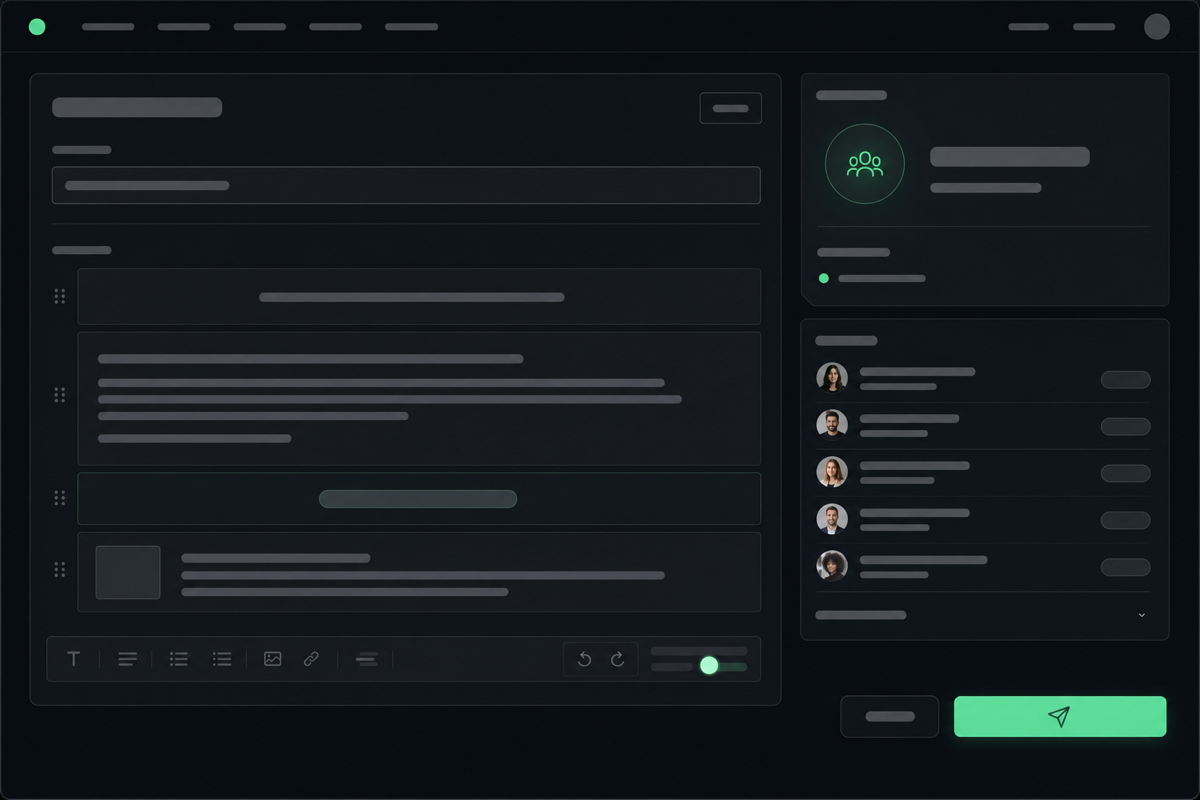
Go to the Leads page, where your subscribers and broadcasts live. A broadcast is simply one email you send to your whole list at once — like a newsletter, an announcement, or a sale.
-
Bring in your subscribers
Your list fills up automatically from the email signup form on your link-in-bio page, and you can add contacts yourself too. These are people who chose to hear from you — an audience you own, not one you rent from a platform.
-
Write your message
Compose your email — a friendly update, a new product, an event. Add a subject line that makes people want to open it, and a clear link to wherever you want them to go.
-
Send from your own domain
Your broadcast goes out from your own domain, so it looks professional and trustworthy in the inbox — not from a generic newsletter address. Preview it first to check it looks right.
-
See who opened and clicked
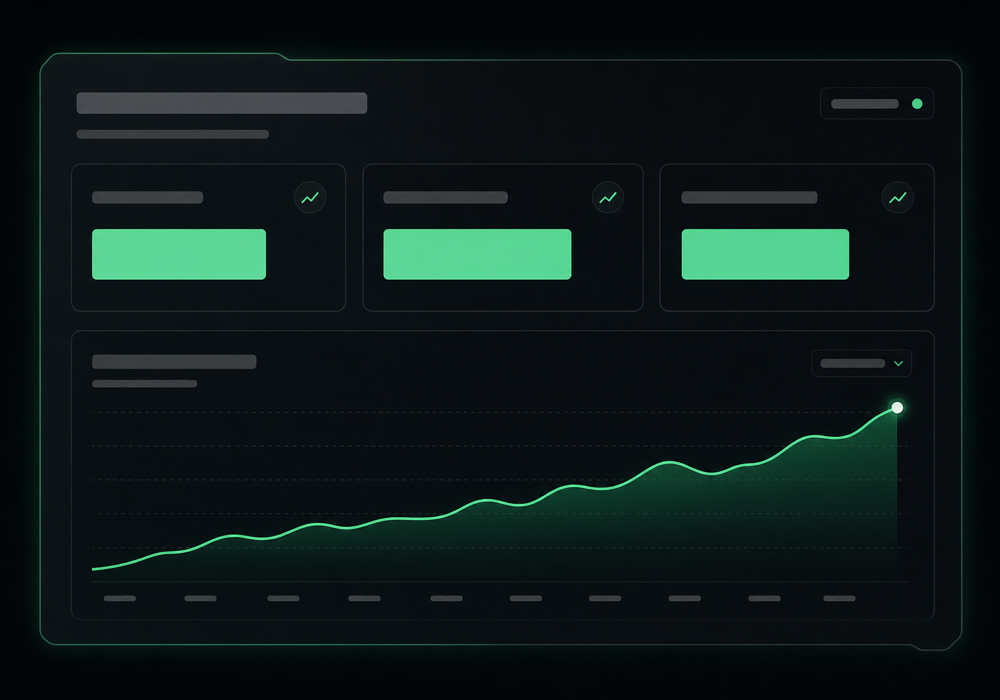
After sending, see how many people opened your email and clicked your links. That feedback tells you what your audience cares about, so each broadcast can be a little better than the last.
Seeing opens and clicks
Get more out of it
Your subject line does the heavy lifting
It decides whether your email gets opened at all. Keep it short, specific, and curiosity-piquing — and avoid anything that feels like spam.
One clear call to action
Decide the single thing you want readers to do — buy, read, reply — and make that link obvious. Too many asks and people do nothing.
An owned list beats followers
Social platforms can change the rules overnight. An email list reaches your people directly, every time, no algorithm in the way.
Send consistently, not constantly
A regular rhythm keeps you front of mind without wearing out your welcome. Watch your open rates to find the cadence your audience likes.
Common questions
What is an email broadcast?
It's a single email you send to your whole subscriber list at once — a newsletter, an announcement, a promotion. naymo lets you write it, send it from your own domain, and see who opened and clicked, all without a separate newsletter tool.
Where do my subscribers come from?
Mostly from the email signup form on your link-in-bio page, which feeds your list automatically. You can also add contacts yourself. Either way, it's a list you own and can email directly.
Why send from my own domain?
Email from your own domain looks more professional and trustworthy than a generic address, which helps your messages get opened. It's the same domain you use across naymo for your page, links, and forwarding.
Can I tell if people read my emails?
Yes. After each broadcast you can see open and click numbers, so you learn what your audience responds to and can make every future send a little more effective.
Related guides
More help that pairs with this one — and the page where you can try it yourself.
Want the full feature rundown? Read about About email broadcasts, browse the whole Help Center, or compare plans on the pricing page.
Try it yourself
Turn your signups into a list you own and send a polished update to everyone at once — from your own domain, with opens and clicks tracked.