 naymo
naymoHow to make money from your page
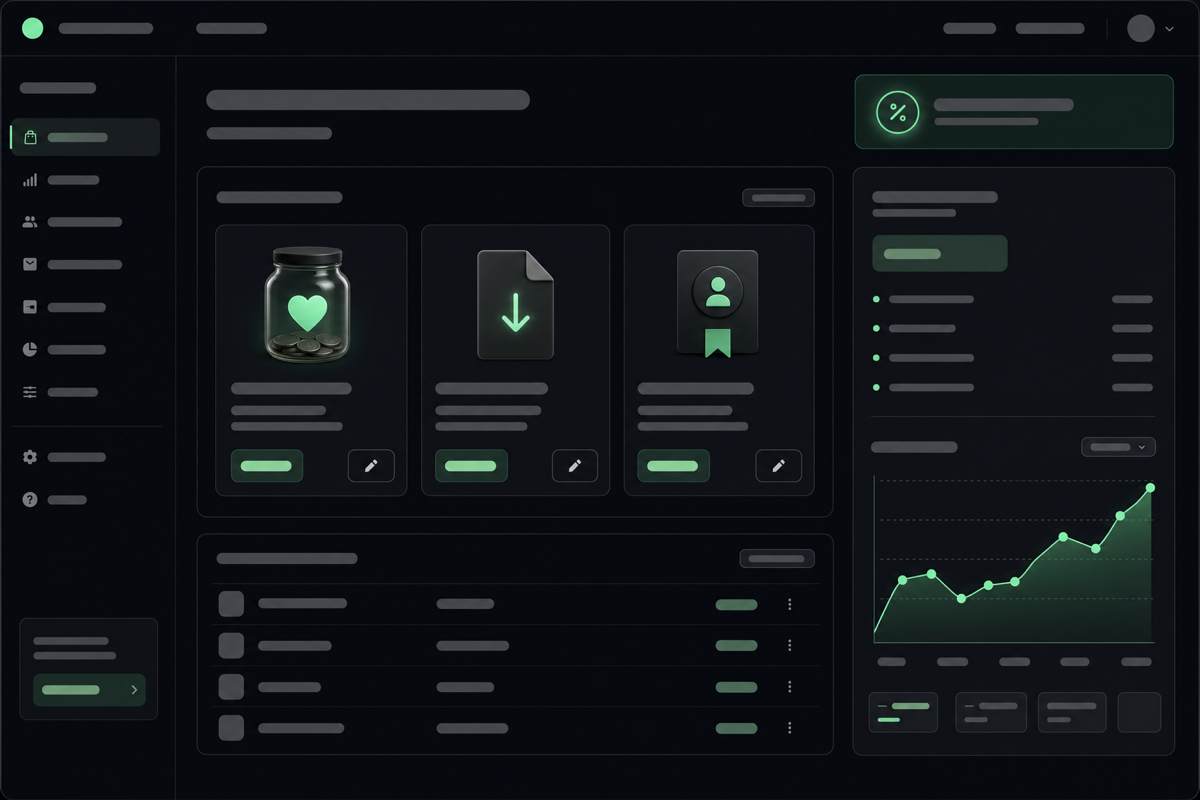
Sell downloads, memberships, bookings, and tips straight from your page through Stripe — and on Pro, keep 100% with 0% selling fees.
- Creators selling digital products, presets, or templates
- Coaches and freelancers taking paid bookings
- Anyone who wants a simple tip jar without losing a cut
0% selling fees on Pro · paid via Stripe
How to use it
-
Connect Stripe to get paid
Link a Stripe account — the service that handles the card payments and pays the money into your bank. It's the standard, trusted way creators get paid online, and connecting takes a few minutes.
-
Add what you want to sell
Create the things you're offering: a digital download (an ebook, preset, or template), a membership, a paid booking, or a simple tip jar. Give each a name, a price, and a short description.
-
Place it on your page
Add a buy button or tip block to your link-in-bio page, right alongside your links. Visitors can pay without leaving your page or creating an account, which means more of them actually finish.
-
Set your price and go live
Choose your prices, preview the buying experience, and publish. The moment it's live, anyone visiting your page can buy or tip — on any device.
-
Keep 100% on Pro
On Pro, naymo charges 0% selling fees — you keep everything except Stripe's own processing cost. No per-sale cut taken by naymo, unlike many creator platforms.
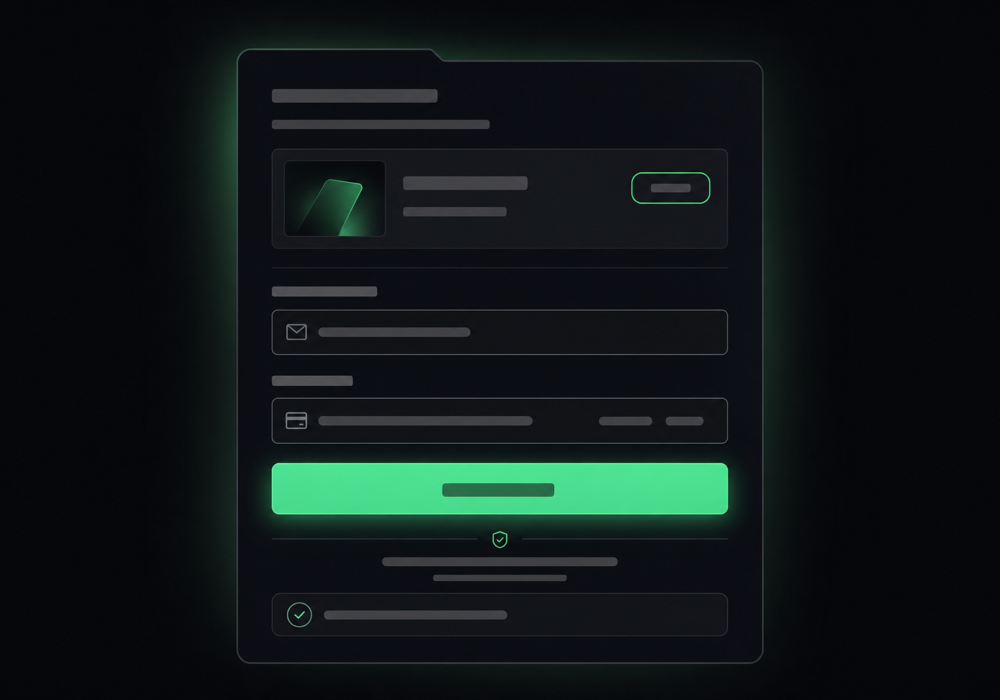
What buying looks like
Get more out of it
Start with one simple offer
A single tip jar or one download is the easiest way to make your first sale. You can always add memberships and bookings once you've got the hang of it.
Let fans tip without friction
A tip block needs no account from the buyer — they tap, pay, done. Removing every extra step is the biggest thing you can do to increase sales.
Price for round numbers
Simple prices (like $5, $10, $25) feel easier to say yes to. Test a couple and watch which converts best in your analytics.
0% fees means pricing freedom
Because naymo takes nothing on Pro, you can price competitively and still keep the lot. Over many sales, skipping a per-sale cut really adds up.
Bundle it with your own domain
Selling from your own domain (on Pro) looks more legitimate to buyers — and it's the same plan that switches the selling fees off.
Common questions
What can I sell from my page?
Digital downloads (ebooks, presets, templates), memberships, paid bookings, and one-tap tips. Everything is paid through Stripe and sits right alongside your links, so buyers never have to leave your page.
How much does naymo take?
On Pro, naymo takes 0% in selling fees — you keep 100% of every sale apart from Stripe's standard payment-processing cost. Many creator platforms take a per-sale cut on top; naymo doesn't.
Do my buyers need an account?
No. Customers can pay or tip directly on your page without creating an account, which removes friction and means more of them complete the purchase.
How do I actually receive the money?
Through Stripe, which deposits your earnings into your bank account on a regular schedule. naymo never holds your money — it goes from your customer to Stripe to you.
Related guides
More help that pairs with this one — and the page where you can try it yourself.
Want the full feature rundown? Read about About monetization, browse the whole Help Center, or compare plans on the pricing page.
Try it yourself
Sell downloads, memberships, bookings, and tips straight from your page through Stripe — and on Pro, keep 100% with 0% selling fees.