 naymo
naymoHow to set up your link-in-bio page
Put every link you share behind one beautiful page — add socials, embeds, an email signup, and a store, then publish on your own domain.
- Creators and influencers who need one link across every platform
- Musicians, podcasters, and video makers sending fans to their latest drop
- Coaches, freelancers, and small shops taking bookings and selling downloads
Free to start · your own domain on Pro
How to use it
-
Claim your handle
Open the bio builder and grab your link, like naymo.ai/@you. It takes seconds and needs no card to start. This becomes the one link you'll put in every social bio.
-
Add your links and socials
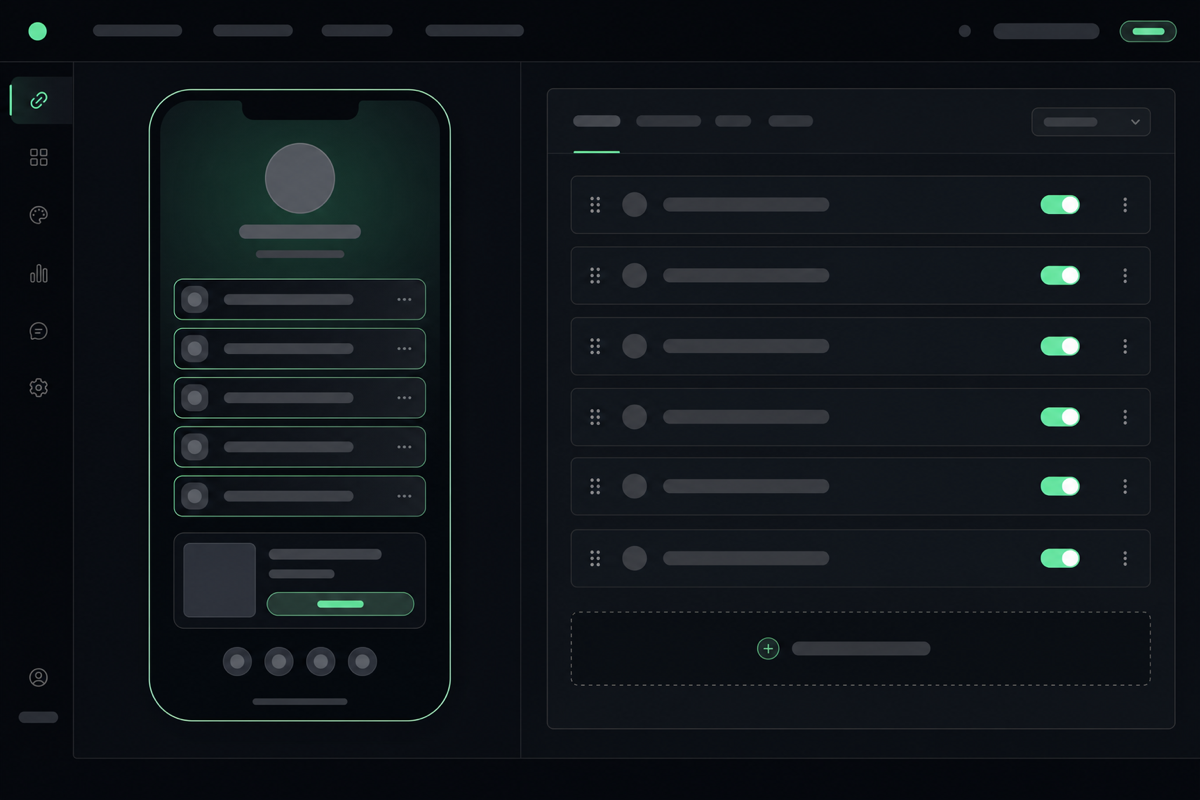
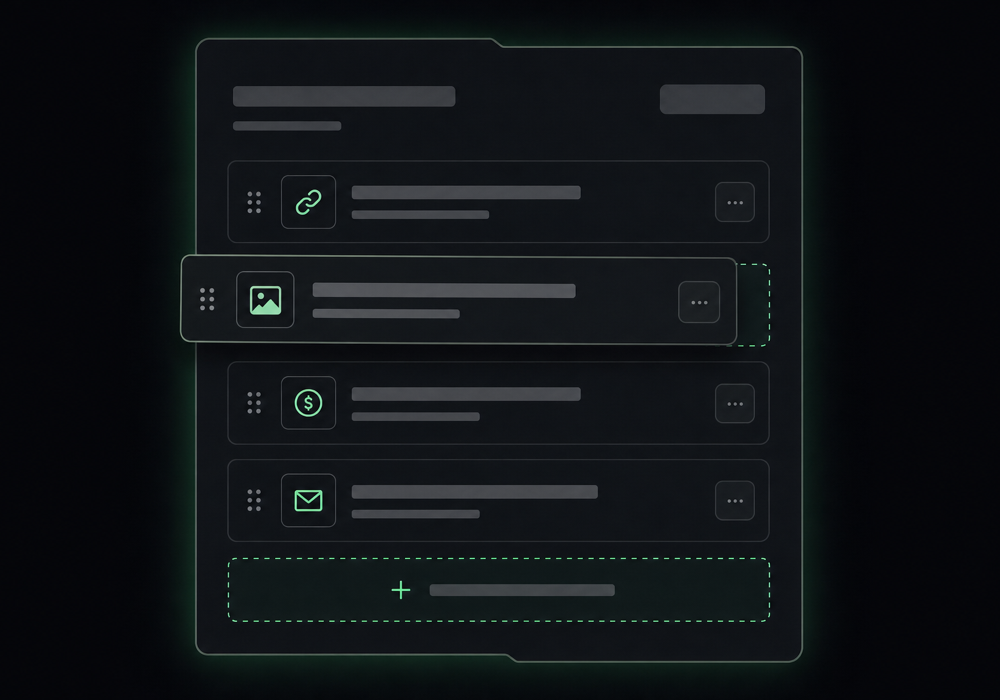
Add a block for each thing you want to share — your latest video, your shop, your newsletter, your Instagram. Drag to reorder them so the most important is on top. There's no limit and nothing to code.
-
Drop in rich blocks
Go beyond plain links: embed a YouTube video or Spotify track as a live block, add a button that sells a download, or add an email signup form to start building a mailing list you actually own.
-
Make it look like you
Pick a theme, set a font, and choose an accent colour so the page matches your brand instead of looking like everyone else's. A quick preview shows exactly what visitors will see.
-
Publish and share it
Hit publish and your page is live instantly. Paste naymo.ai/@you into every bio. On Pro you can put it on your own custom domain and switch off selling fees entirely.
Adding your blocks
Get more out of it
Lead with what's new
Put your latest drop or most important link at the very top. Most visitors tap the first thing they see, so order matters more than how many links you have.
Capture emails from day one
Add the signup block early. Followers come and go on social platforms, but an email list is an audience you own and can reach any time.
Use your own domain on Pro
A bio at your own domain looks more professional and is yours forever — and on Pro it also turns off selling fees, so you keep 100% of what you sell.
Check your click analytics
The built-in stats show which links people actually tap. Drop the ones nobody clicks and give your best links more room.
Let an AI agent build it
Short on time? An AI assistant can assemble your whole page — links, blocks, theme — through naymo's developer tools, then you just tweak and publish.
Common questions
Is the link-in-bio page free?
Yes. You can claim a handle and publish a full page — links, socials, embeds, and an email signup form — for free, with no card. Pro adds your own custom domain and 0% selling fees.
Do I need to know how to build a website?
Not at all. You add links and blocks from a simple dashboard and the page is live immediately — no coding, hosting, or design needed. An AI agent can even assemble it for you.
Can I sell things from my page?
Yes. Add tips, digital downloads, memberships, and bookings, paid through Stripe. On Pro, naymo charges 0% selling fees, so you keep everything except Stripe's own processing cost.
How is this different from Linktree?
On Pro you get your own custom domain and 0% selling fees (not just a link list), built-in analytics and an email list you truly own, and an AI agent can build the page for you. And because naymo earns nothing on the domains it recommends, there's no upsell pressure baked in.
Related guides
More help that pairs with this one — and the page where you can try it yourself.
Want the full feature rundown? Read about About link-in-bio, browse the whole Help Center, or compare plans on the pricing page.
Try it yourself
Put every link you share behind one beautiful page — add socials, embeds, an email signup, and a store, then publish on your own domain.