 naymo
naymoHow to create short, branded links
Turn long, ugly web addresses into short, memorable links on your own domain — easy to share anywhere, with every click tracked.
- Creators and marketers sharing links across many channels
- Anyone reading out a link on a podcast, video, or flyer
- Small businesses who want links that show their own brand
On your own domain · clicks tracked
How to use it
-
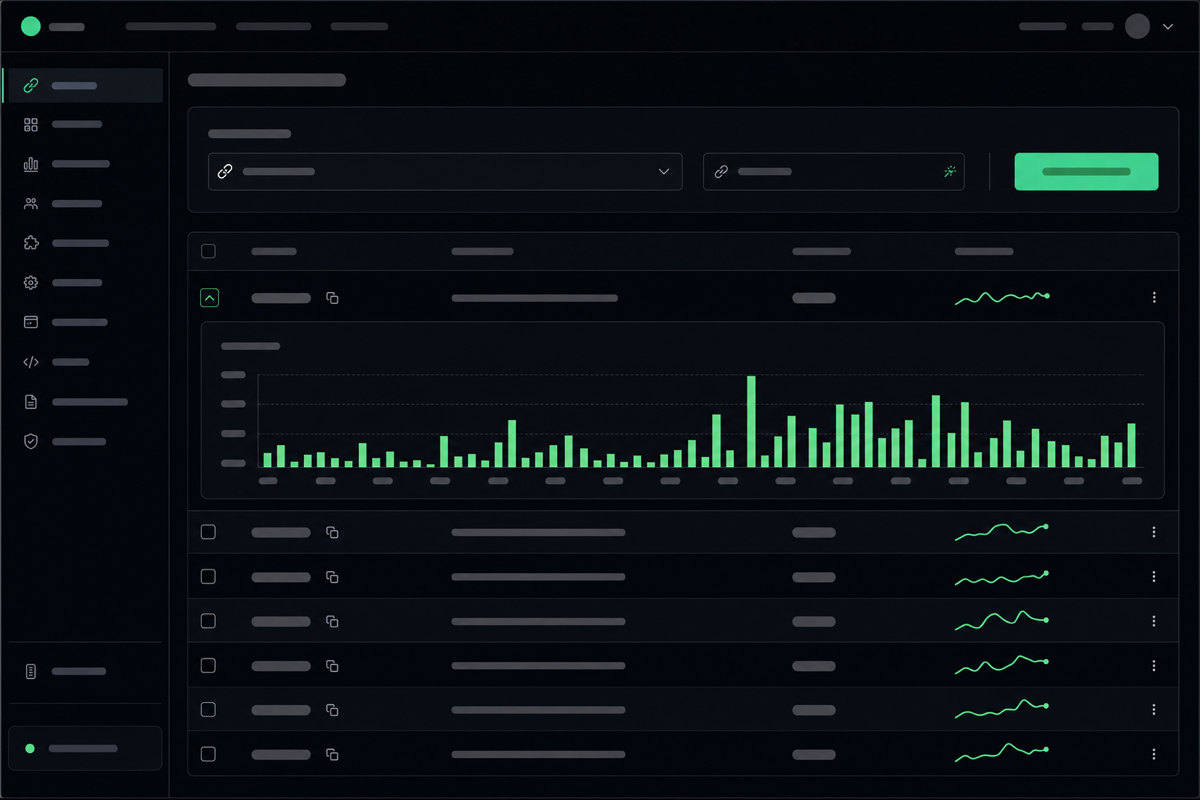
Open the Short Links tool
Go to the Links page. This turns long, messy web addresses into short, tidy ones — and on your own domain, so the link itself shows your brand.
-
Paste the long URL
Drop in the full web address you want to share — even a giant one with lots of tracking gibberish on the end. This is the “destination” your short link will send people to.
-
Choose the short ending
Pick the bit after the slash, like go.yourbrand.com/sale. A short, readable ending is easier to say on a podcast, print on a flyer, or type from memory.
-
Share it anywhere
Copy your new short link and use it in posts, emails, videos, or print. It works instantly and forwards everyone to the long destination behind the scenes.
-
Watch the clicks
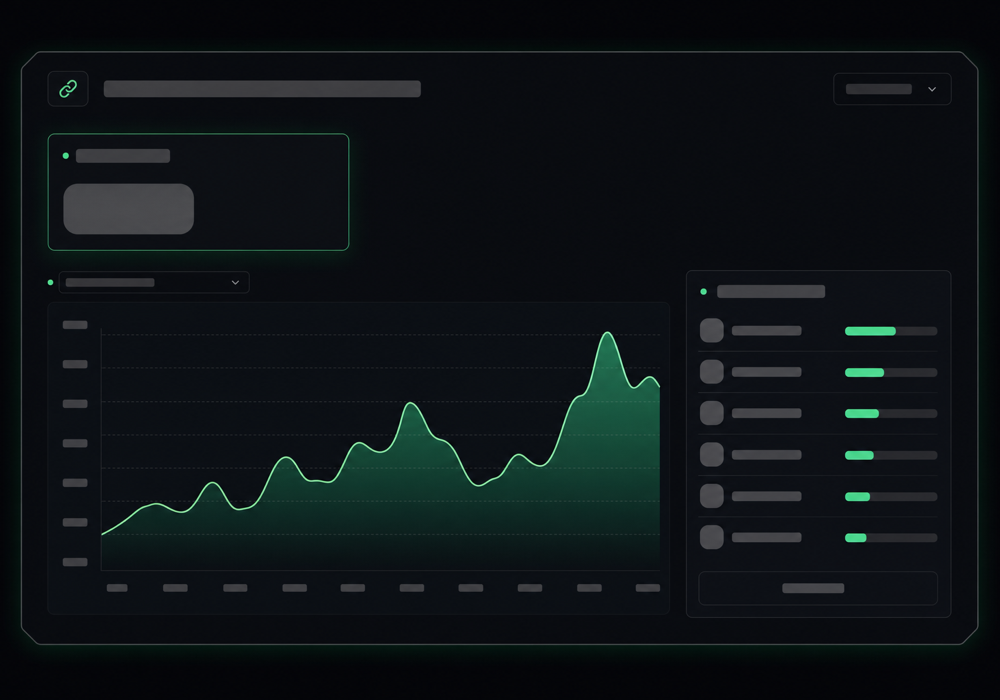
Each link tracks how many people clicked and where they came from, so you can see which posts and channels actually drive traffic — no separate analytics tool needed.
Tracking your clicks
Get more out of it
Use readable, memorable endings
“/spring-sale” beats “/x7g9q”. A human-friendly ending gets typed correctly and shared by word of mouth.
Make one link per channel
Send your Instagram and your newsletter to the same page via two different short links, and the click stats tell you which channel pulls its weight.
Brand the link itself
On your own domain, the short link carries your name — which looks more trustworthy and gets clicked more than a generic shortener.
Great for spoken or printed promos
Short links shine where people can't copy-paste: a podcast read-out, a business card, a poster. Keep them short enough to remember.
Common questions
What is a short link?
It's a tidy, shortened web address that forwards visitors to a longer one. Instead of sharing a long, ugly URL, you share something short and memorable — ideally on your own domain so it carries your brand.
Can I use my own domain for short links?
Yes. You can serve short links from your own domain (like go.yourbrand.com), so the link itself is branded and looks trustworthy — rather than using a generic shortener everyone recognises.
Can I see how many people clicked?
Yes. Every short link tracks clicks and where visitors came from, so you can tell which posts, emails, or channels are actually driving traffic — without bolting on a separate analytics tool.
Will the link keep working if I change the destination?
The short link stays the same while pointing wherever you set it. That makes it handy for things like a “/latest” link you can repoint to your newest page whenever you like.
Related guides
More help that pairs with this one — and the page where you can try it yourself.
Want the full feature rundown? Read about About short links, browse the whole Help Center, or compare plans on the pricing page.
Try it yourself
Turn long, ugly web addresses into short, memorable links on your own domain — easy to share anywhere, with every click tracked.