 naymo
naymoHow to help your pages rank in Google
Scan any page and get plain-English checks and fixes for titles, descriptions, headings, and keywords — so you show up higher in search.
- Small business owners who want to be found on Google
- Bloggers and creators chasing more organic visitors
- Anyone who finds traditional SEO tools confusing
Plain-English fixes · no jargon
How to use it
-
Enter your page address
Open the SEO Toolkit and paste the address of a page you want to rank better in Google — your home page, a product page, a blog post. SEO just means “helping search engines find and recommend your page”.
-
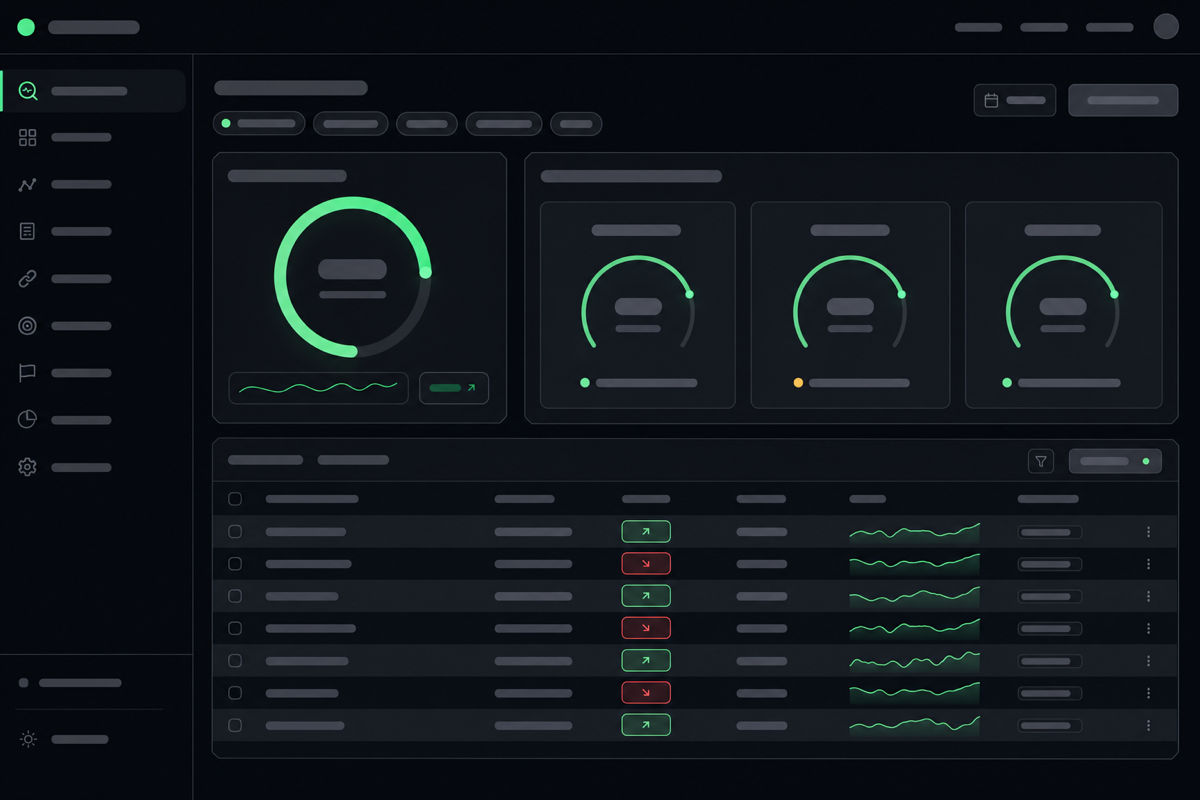
Read the plain-English checks
naymo scans the page and gives you a clear list of what's good and what to improve — written in everyday language, not technical jargon. Each item explains what it is and why it matters.
-
Fix the easy wins first
Start with the simple fixes it flags: a clearer page title, a better description, a missing heading, an image without a label. These small changes often make a real difference to how you show up.
-
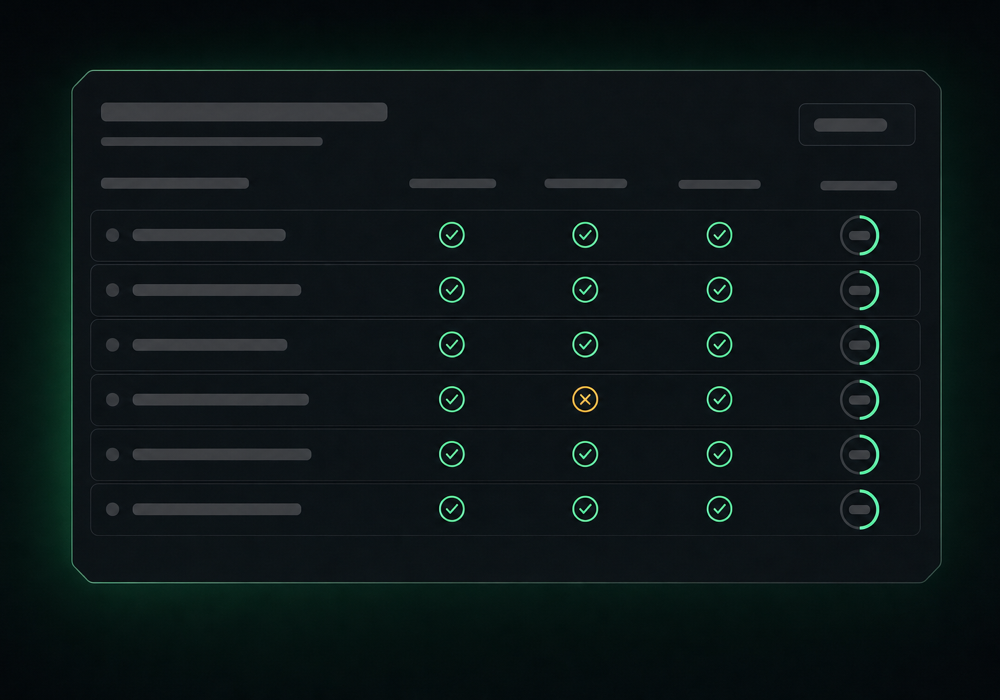
Check your keywords
See whether the words your customers actually search for appear in the right places on your page. The toolkit suggests where to add them naturally, without stuffing.
-
Re-check and track progress
After you make changes, run the check again to confirm they landed, and keep an eye on where your page ranks over time so you can see your effort paying off.
Checking your keywords
Get more out of it
Nail the title and description
Your page title and the little description under it in Google are your shop window. Clear, specific wording with the words people search for is the single highest-impact fix.
Write for humans first
Don't cram in keywords awkwardly. Search engines reward pages that read naturally and genuinely answer what someone was looking for.
One main topic per page
A page that's clearly about one thing ranks better than one that tries to cover everything. The toolkit flags when your focus is muddled.
Fix, then be patient
Search rankings don't change instantly. Make the improvements, then check back over the following weeks rather than expecting overnight results.
Common questions
What is SEO, really?
SEO (search engine optimisation) is just the work of helping search engines like Google find your page, understand what it's about, and show it to the right people. The SEO Toolkit checks your page and tells you, plainly, what to improve.
Do I need to be technical to use it?
No. The checks are written in plain language, and each one explains what it means and how to fix it. You make simple edits — a better title here, a clearer heading there — without touching any code.
How long until I rank higher?
SEO is a slow burn. Some improvements help within days; others take weeks as search engines re-crawl your page. Make the fixes the toolkit suggests, then track your ranking over time rather than expecting an instant jump.
Will this guarantee I reach page one of Google?
No tool can guarantee a specific ranking — Google weighs many factors. What the toolkit does is remove the obvious things holding you back and point you at the improvements most likely to help, in language you can act on.
Related guides
More help that pairs with this one — and the page where you can try it yourself.
Want the full feature rundown? Read about About the SEO Toolkit, browse the whole Help Center, or compare plans on the pricing page.
Try it yourself
Scan any page and get plain-English checks and fixes for titles, descriptions, headings, and keywords — so you show up higher in search.