 naymo
naymoHow to catch copycats of your domain
Get a calm heads-up when someone registers a look-alike of your brand's name — misspellings, other endings, sneaky add-on words — so you can act early.
- Small businesses and startups with a brand to protect
- Creators whose audience could be fooled by an impersonator
- Anyone worried about phishing or copycat domains
Watch your brand · get alerts
How to use it
-
Open Brand Radar
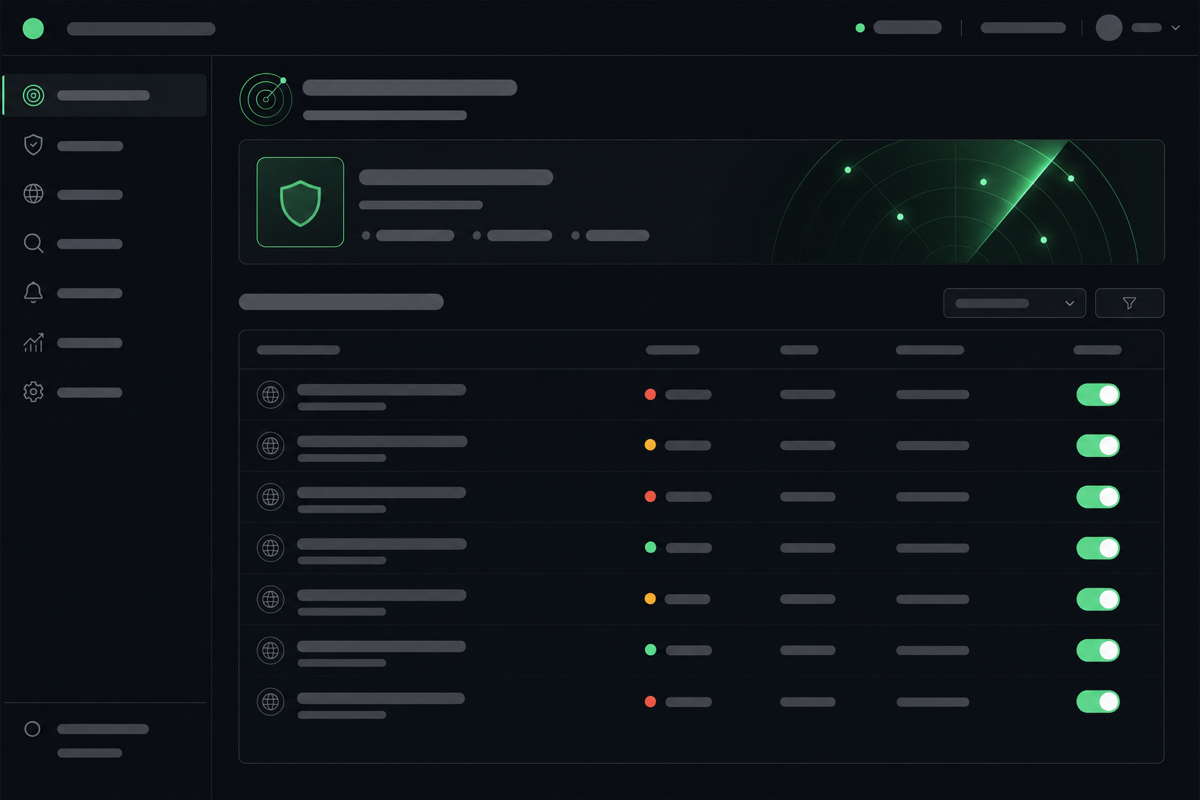
Go to the Brand Radar (Protect) page. It quietly keeps watch for new domains that look like yours — the kind a copycat or scammer might register to impersonate your brand.
-
Add the brand name you want to protect
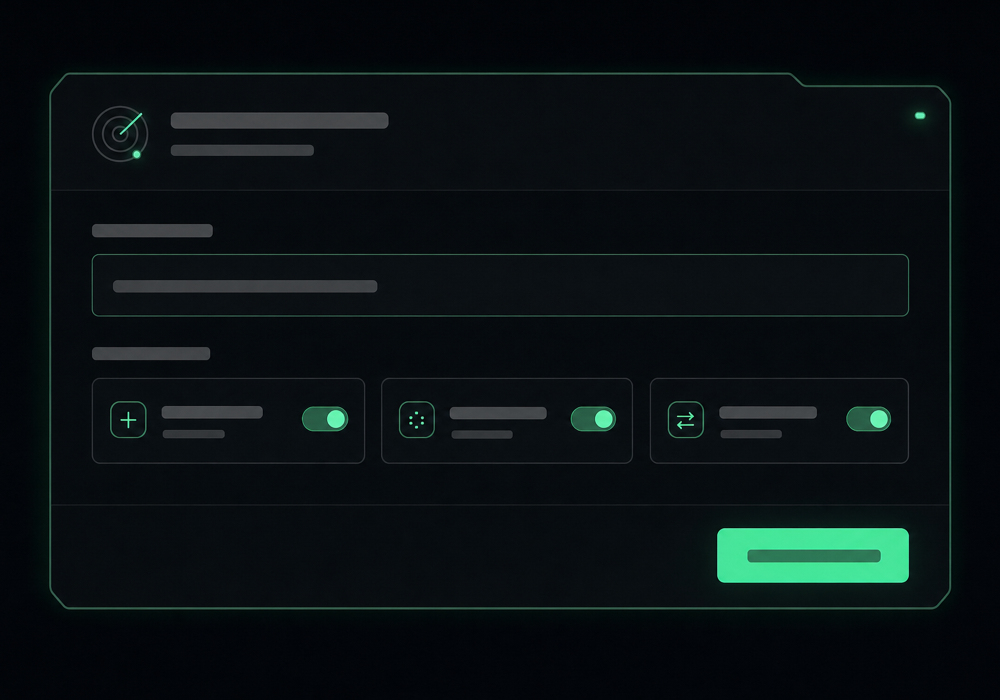
Enter your brand or domain (like “mybrand”). naymo will watch for look-alikes — different endings, common misspellings, and added words like “shop” or “login” that imitators often use.
-
Choose how you want to be alerted
Set it to notify you when a matching look-alike appears. Instead of finding out the hard way, you get a calm heads-up so you can decide whether it matters.
-
Review new look-alikes as they appear
When Brand Radar spots a new registration close to your name, it shows you what it found. Most are harmless; the point is that you see them early, on your terms.
-
Act if you need to
If a look-alike looks like a genuine impersonation, you can register a defensive ending yourself, warn your customers, or take it up with the relevant provider — armed with the facts, early.
Setting up your watch
Get more out of it
Most matches are nothing — that's fine
Plenty of similar names are coincidences or unrelated businesses. Brand Radar's job is simply to make sure none slip past you unnoticed.
Watch the obvious impersonation patterns
Copycats love adding words like “support”, “login”, or “verify”, or swapping a letter. Those are the matches worth a closer look.
Consider grabbing key endings yourself
If your brand matters, registering a couple of obvious endings (or near-misspellings) before someone else does is cheap insurance — naymo helps you find the cheapest place to do it.
Early beats late, always
Spotting a look-alike when it's freshly registered gives you far more options than discovering it after it's been used to fool a customer.
Common questions
What does Brand Radar actually watch for?
It watches for newly registered domains that resemble your brand — other endings, misspellings, and added words like “shop” or “login” — the patterns impersonators typically use. When one appears, it alerts you so you can take a look.
Will I be flooded with alerts?
No. Brand Radar focuses on names genuinely close to yours, and most of what it surfaces is harmless. The goal is awareness — making sure a real impersonation never goes unnoticed — not noise.
Can naymo take a copycat domain down for me?
naymo's role is to spot look-alikes early and give you the facts. Acting on a genuine impersonation — registering a defensive name, warning customers, or filing a complaint with the provider — is something you do, and early warning makes it far easier.
Who is Brand Radar for?
Anyone with a brand worth protecting: small businesses, creators, and startups. If customers could be fooled by a look-alike of your name, it's worth knowing the moment one appears.
Related guides
More help that pairs with this one — and the page where you can try it yourself.
Want the full feature rundown? Read about Open Brand Radar, browse the whole Help Center, or compare plans on the pricing page.
Try it yourself
Get a calm heads-up when someone registers a look-alike of your brand's name — misspellings, other endings, sneaky add-on words — so you can act early.