 naymo
naymoHow to keep all your domains in one place
Track every domain you own in one tidy list, see renewal dates and costs, and get told plainly which ones to move to stop overpaying.
- Anyone who owns several domains across different registrars
- Small businesses keeping recurring costs under control
- Domain collectors who want one clear overview
Track domains · save on renewals

How to use it
-
Open your Portfolio
Go to the Portfolio (Renewal Saver) page. This is your home base for every domain you own — one tidy list instead of logins scattered across different registrars.
-
Add your domains
Enter the domains you own (just the names). You can add them one at a time or in a batch. There's nothing technical to set up — you're simply telling naymo which names to keep an eye on for you.
-
See renewal dates and costs at a glance
Your portfolio shows when each domain renews and what it's likely costing you — so you'll never be surprised by a renewal charge or accidentally let a name lapse.
-
Spot which ones to move
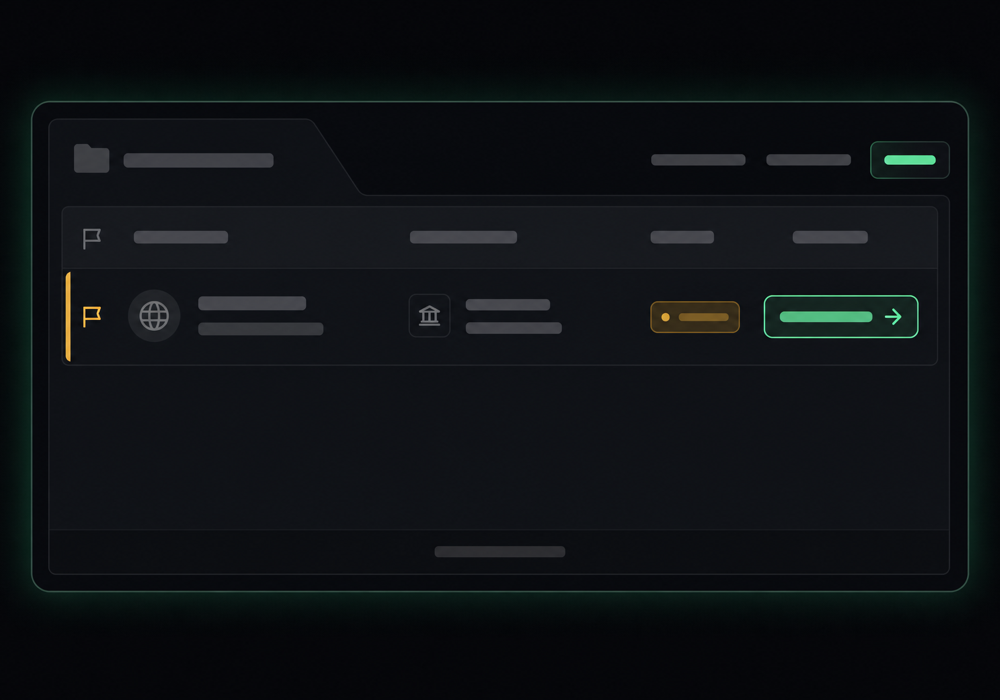
naymo flags the domains where you're overpaying and tells you, plainly, the cheaper registrar to move them to. It's like a money-saving to-do list for your whole collection.
-
Save across the board
Work through the flagged domains, transferring the overpriced ones to the cheaper registrar via the handoff links. Across a collection, the yearly saving can add up quickly.
Spotting what to move
Get more out of it
One list beats ten logins
Keeping every domain in one place means you actually notice renewals and overpays — the stuff that's easy to miss when names are spread across different accounts.
Tackle the biggest overpays first
Your portfolio shows where the savings are largest. Start there for the quickest win, then work down the list when you have time.
Never lose a name by accident
Seeing renewal dates up front means you won't let a domain you care about expire — a far more expensive mistake than any renewal fee.
Pair it with the Overpay Audit
The Overpay Audit gives you the headline “you're overpaying $X/year” number; your portfolio is where you act on it, domain by domain.
Common questions
What is the Portfolio for?
It keeps all the domains you own in one place, showing renewal dates and costs, and flags which ones you're overpaying on with a cheaper registrar to move them to. Think of it as a money-saving dashboard for your whole domain collection.
Do I have to move my domains to naymo?
No. naymo doesn't host or sell your domains — it just tracks them and tells you where they'd be cheaper. You stay with whichever registrars you like, and only transfer the ones where it's worth saving.
How does it know which domains to flag?
It compares what each domain is likely costing you against the genuinely cheapest registrar. Because our registrar handoffs are unpaid, the cheaper option it recommends is the real cheapest, not a paid placement.
Is the Portfolio free?
Tracking and savings insights are part of naymo's plans, and many people save more in renewals each year than a Pro subscription costs. See the pricing page for exactly what's included on each plan.
Related guides
More help that pairs with this one — and the page where you can try it yourself.
Want the full feature rundown? Read about Open your Portfolio, browse the whole Help Center, or compare plans on the pricing page.
Try it yourself
Track every domain you own in one tidy list, see renewal dates and costs, and get told plainly which ones to move to stop overpaying.