 naymo
naymoHow to let an AI agent run naymo for you
Let an AI assistant use naymo's domain tools for you in plain English (no code), or call naymo from your own software with an API key. Start free.
- AI assistant users who want to automate domain hunting — no code
- Developers building domain checks into their own apps
- Anyone doing the same domain task over and over by hand
Free tools included · metered plans for scale
How to use it
-
Decide who's doing the work — you or an AI agent
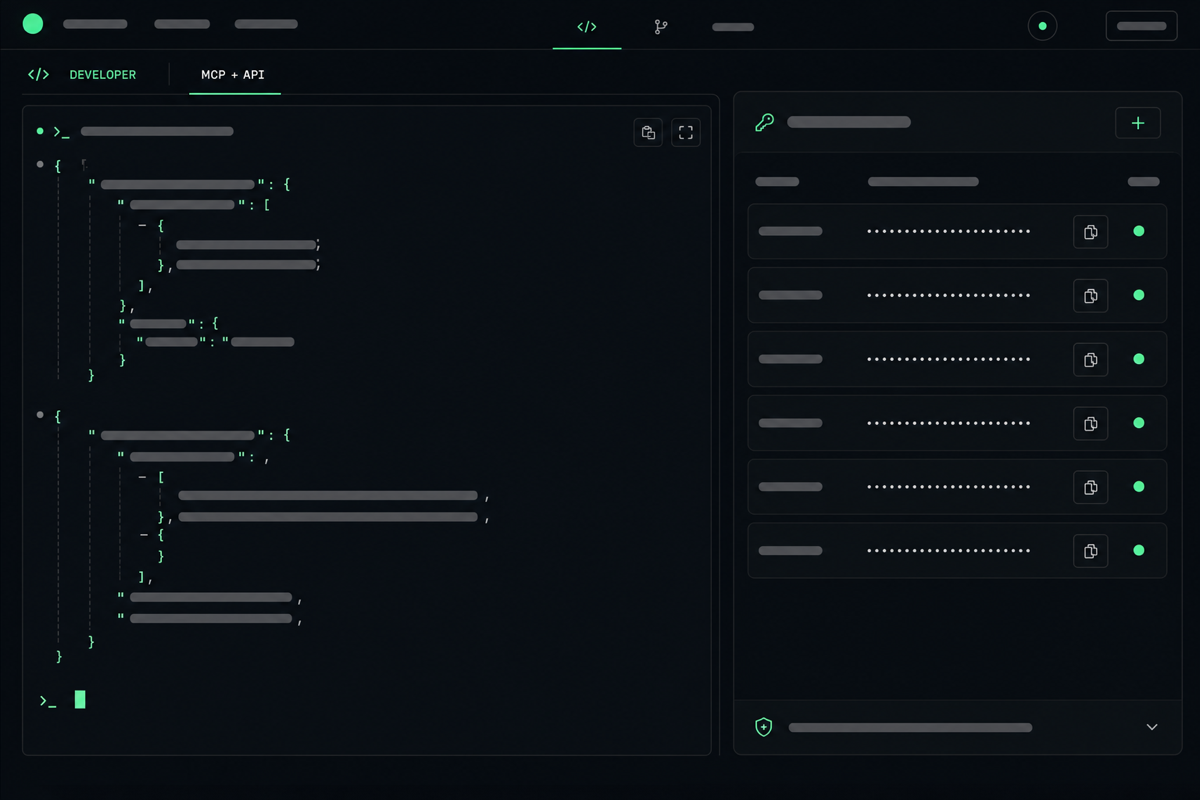
There are two ways in. The MCP server lets an AI assistant (like Claude) use naymo's tools for you in plain conversation. The API lets your own code call naymo directly. Pick whichever fits — many people start with the AI route.
-
Connect your AI assistant to naymo (MCP)
MCP is a standard way for AI assistants to plug into tools. Point your assistant at naymo's MCP server and it gains naymo's abilities — checking domains, suggesting names, running the Overpay Audit — which it can do on your behalf when you ask.
-
Or get an API key for your own code
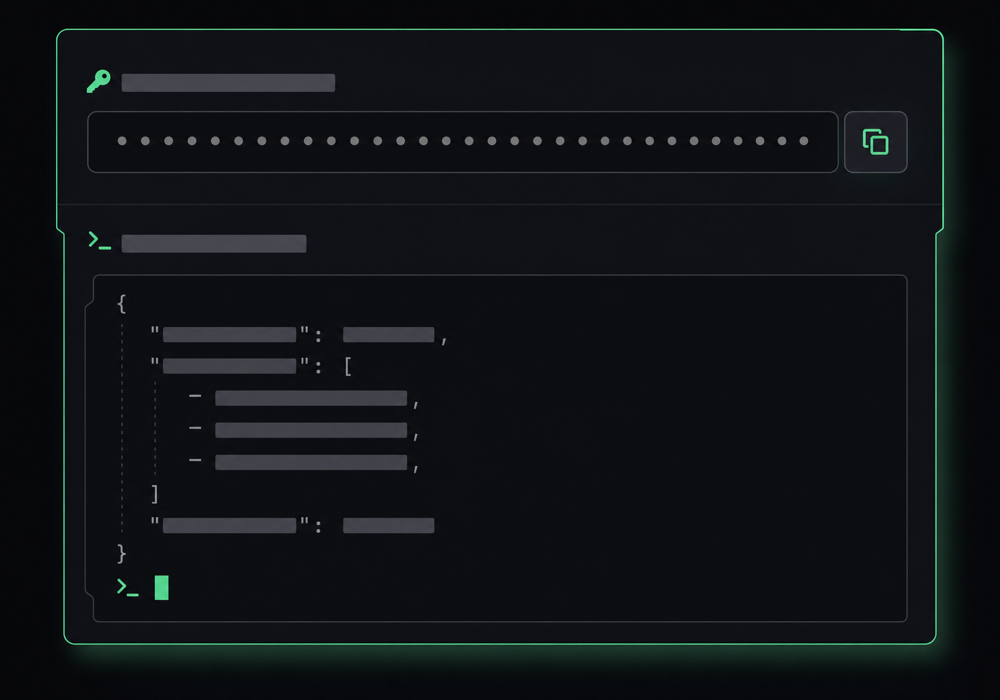
Prefer to build something yourself? Grab an API key (a secret password that identifies your account) from your dashboard and your scripts can call naymo's endpoints — the same answers the website gives, in a form code can read.
-
Try a simple request
Start small: ask your assistant to “check if these ten domains are available”, or make one test API call to look up a name. Seeing it work once makes everything else click into place.
-
Build it into your workflow
From there, automate the boring bits — bulk-checking name ideas, watching renewals, or wiring domain checks into your own app. Free tools work without payment; heavier use moves to a metered plan.
Getting connected
Get more out of it
Not a coder? The MCP route is for you
You don't have to write a line of code. If you use an AI assistant, connecting it to naymo lets you do everything in plain English — “find me five available .ai names for a fitness app”.
Same brain, every surface
The website, the API, and the AI tools all share one engine, so a human and an agent get identical answers. You can trust an automated check as much as one you ran by hand.
Keep your API key secret
Your API key is like a password — don't paste it into public places or share it. If it ever leaks, regenerate it from your dashboard.
Great for bulk and repetitive jobs
The API and MCP shine when you'd otherwise be doing the same thing dozens of times — checking a long list of names, or re-running an audit on a schedule.
Start free, scale when you need to
The free tools cover a lot. You only move to a paid, metered plan when your usage grows — so you can experiment first without commitment.
Common questions
What's the difference between the MCP server and the API?
The MCP server lets an AI assistant use naymo's tools for you through normal conversation — no coding. The API lets your own software call naymo directly. Both reach the same engine and give the same answers; you pick whichever suits how you want to work.
What is MCP, in plain terms?
MCP (Model Context Protocol) is a standard way for AI assistants to connect to outside tools. Connecting your assistant to naymo's MCP server gives it naymo's abilities — like checking domain availability or running the Overpay Audit — which it can then do when you ask.
Do I need to be a developer to use this?
For the API, some coding helps. But the MCP route needs no code at all — if you already chat with an AI assistant, you can connect it to naymo and ask it to do the work in plain English.
Does it cost anything?
The free tools work without payment, which is plenty for casual use. Heavier, automated use is handled by metered plans — so you start free and only pay as your usage grows. See the pricing page for the details.
Related guides
More help that pairs with this one — and the page where you can try it yourself.
Want the full feature rundown? Read about About the API & MCP, browse the whole Help Center, or compare plans on the pricing page.
Try it yourself
Let an AI assistant use naymo's domain tools for you in plain English (no code), or call naymo from your own software with an API key. Start free.